
Close your MacBook like liquid glass.
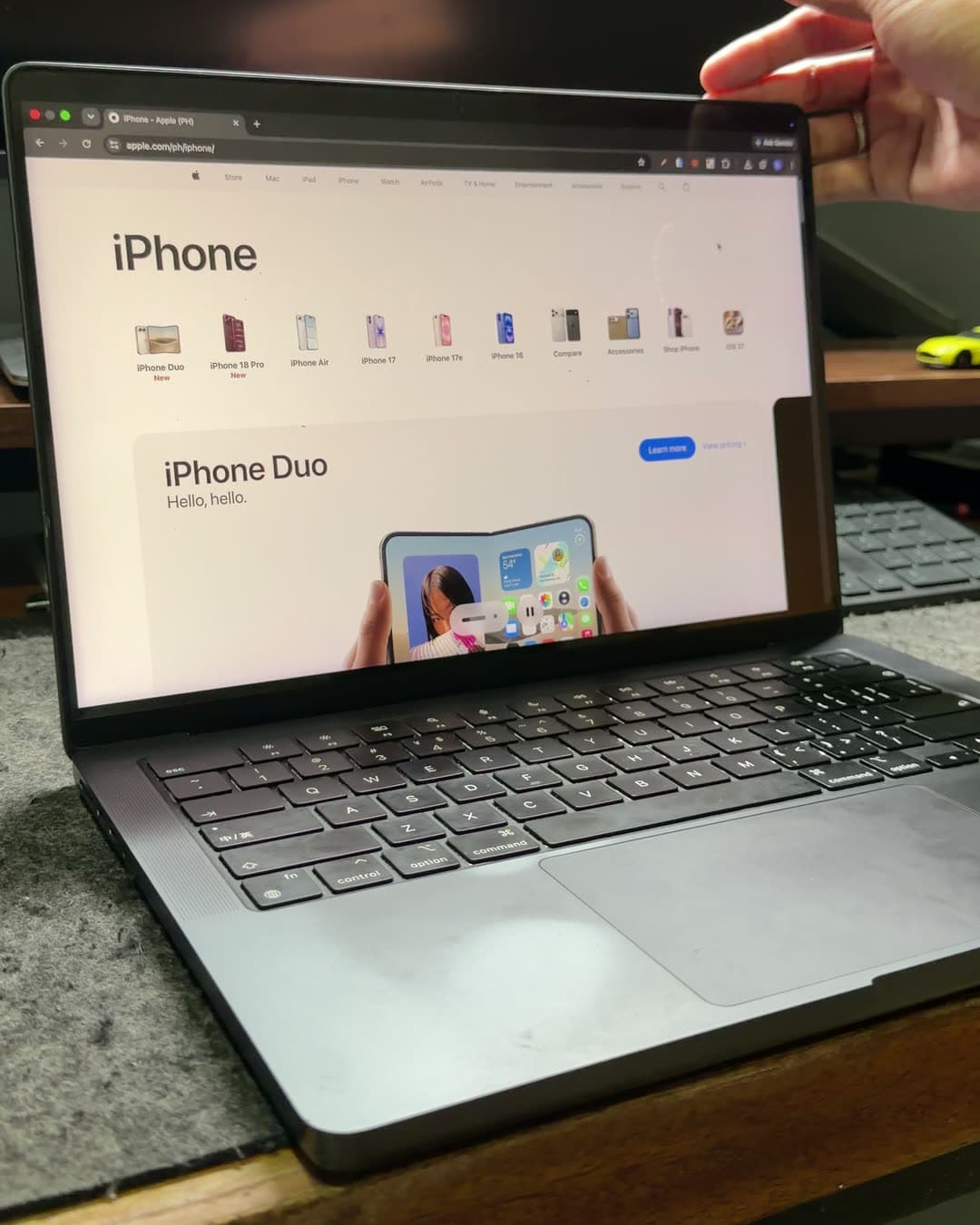
As the lid comes down, your desktop tilts back, frosts over and dims with it. A tiny menu-bar app that makes closing your MacBook feel physical.
Free · macOS 14+ · Apple silicon MacBooks
How it works
Three moments, one smooth fold
The few seconds of closing your laptop, turned into something you can feel.
- 01
Lift
Work as usual
Morphlet waits quietly in the menu bar. Nothing changes while your screen is open.
- 02
Fold
Close the lid
Once the lid passes the start angle, your desktop tilts back, frosts over and dims.
- 03
Rest
Folded away
By the closed angle the screen has folded away. Lift the lid and everything comes back.
Make it yours
Shape the fold to your taste
Close the lid to see the fold, then shape how it looks.
Privacy
Your screen never leaves your Mac.
Morphlet needs Screen Recording permission to fold your screen, and it uses it for nothing else.
Memory only
The mirror of your screen exists only in memory, and only while the lid is closing.
Nothing saved
Morphlet never saves a frame and never records video.
Nothing sent
No network connections: no analytics, no accounts, no tracking.
Morphlet is open source, so you can check for yourself. Read the code on GitHub.
Get started
What you need, and how to start
Five steps to your first fold.
- macOS 14 Sonoma or later
- An Apple silicon MacBook · For its built-in lid-angle sensor
- Screen Recording permission · Used only in memory
Download
Step 1Get the free DMG from this site at launch.
Install
Step 2Open the DMG and drag Morphlet into Applications.
Open it
Step 3Morphlet appears in your menu bar, not the Dock.
Allow Screen Recording
Step 4Turn Morphlet on in System Settings › Privacy & Security › Screen Recording.
Close your lid
Step 5Watch the screen fold away. Fine-tune it any time in Settings.
Price
Free. Really.
Morphlet costs nothing, with no payment now or later.

Morphlet
Free$0, no payment
Coming soon as a direct download for macOS 14 and later.
- The full liquid-glass fold
- Silk, Frost, Shade and angle controls
- Open source, no account needed

Be first to fold.
Leave your email and we'll let you know when Morphlet is ready.